Launched
Magic Workbooks by Osmo from Byju's — Lead Product Designer & Design Manager
An Interactive workbook + app experience for kids (aged 3 - 8). (2019 - 2022)
My Role
I led the end-to-end design process, in collaboration with:
Kaushik Das - Engineering Director
Arvind Sadasivam - Engineering Manager
Himadri Mishra - ML Research Engineering
Aishwarya Shetty - Product Designer
Karishma - Product Designer
Sonal Jain - Learning Designer
Meghana Shanbhogue - Product Development
Abhishek Kumar - Creative Associate
Ranajit Das - 3D Graphics Lead
Anjali - Content Writer
Key Responsibilities
Designing the core architecture of the app.
System design.
UX design.
Interaction design.
UI design.
Animations + interaction design.
AI and ML supported interaction design.
Managing a team of designers.
Coordinating and managing team tasks.
Mentoring junior designers.
Research.
User research.
Market and post sales research.
✨ Impact
Quantitive:
Achieved a 4.5-star average rating on Amazon, reflecting strong parent satisfaction.
Templatization of activities enabled the product to scale and localise across international markets within just 3 months.
Designed a modular voice-over information architecture, allowing efficient content production in 5+ Indian languages.
Revamped the onboarding flow, reducing customer support calls and onboarding time by 50%, which directly addressed and resolved a similar percentage of user drop-offs.
Quantitive:
The product maintained 30+ minutes of average engagement time per session, effectively holding the attention span of young learners.
Early usability testing and reviews highlighted the app’s accessibility for children with special learning needs, including autism.
Phonetics-based gameplay was shown to significantly support learning outcomes for non-English speaking kids and parents.
How it all started
Byju’s set out to tackle a timeless challenge: how can we make homework and learning genuinely fun? Especially for early learners aged 3 to 8.
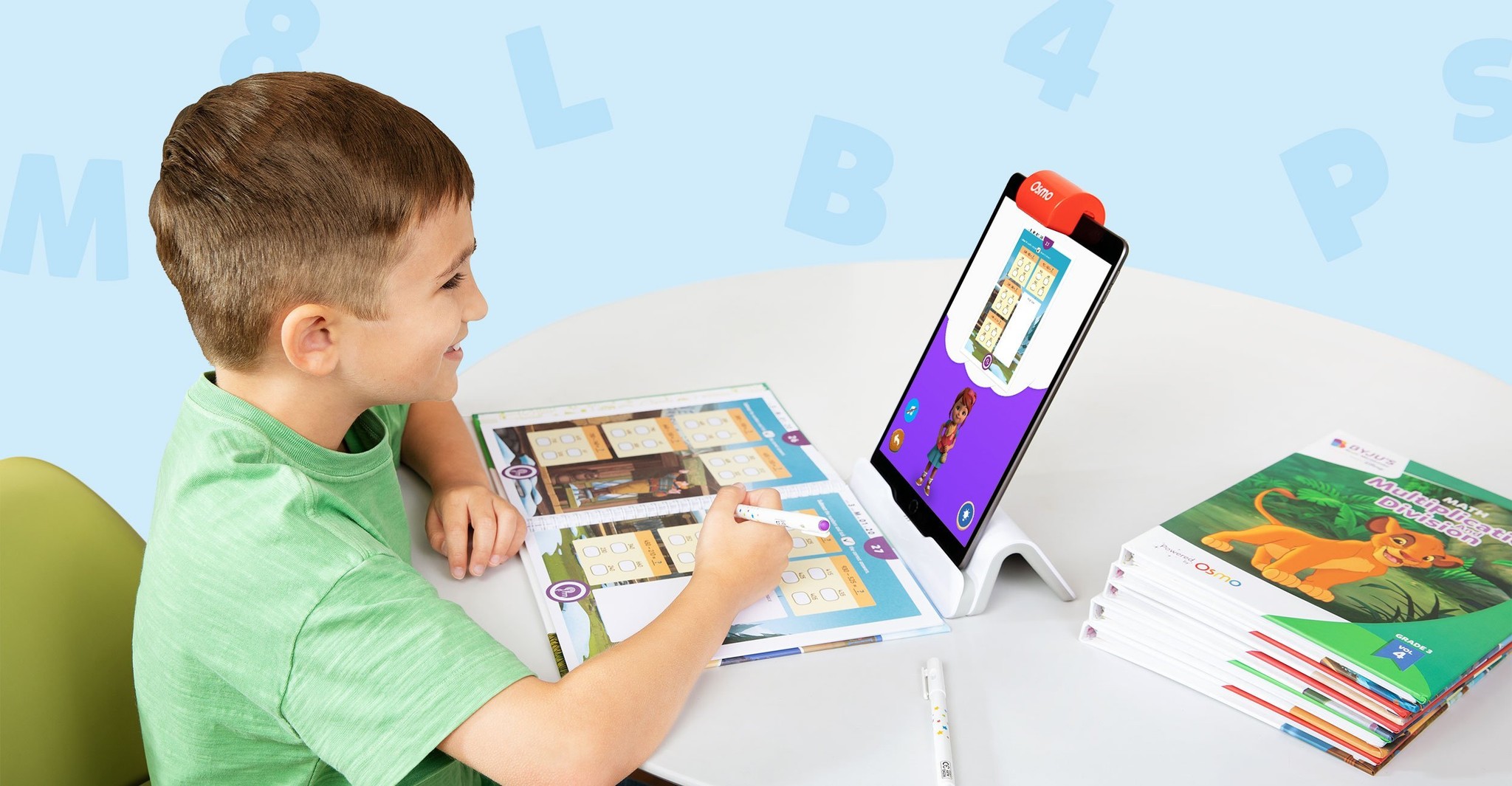
While worksheets have long been a universal tool for practice, the team wanted to rethink how children engage with them through technology. Byju’s partnered with Osmo to develop the core tech that would digitize traditional worksheets, while preserving the tactile, hands-on learning experience crucial for developing motor skills, something most digital learning tools overlook.
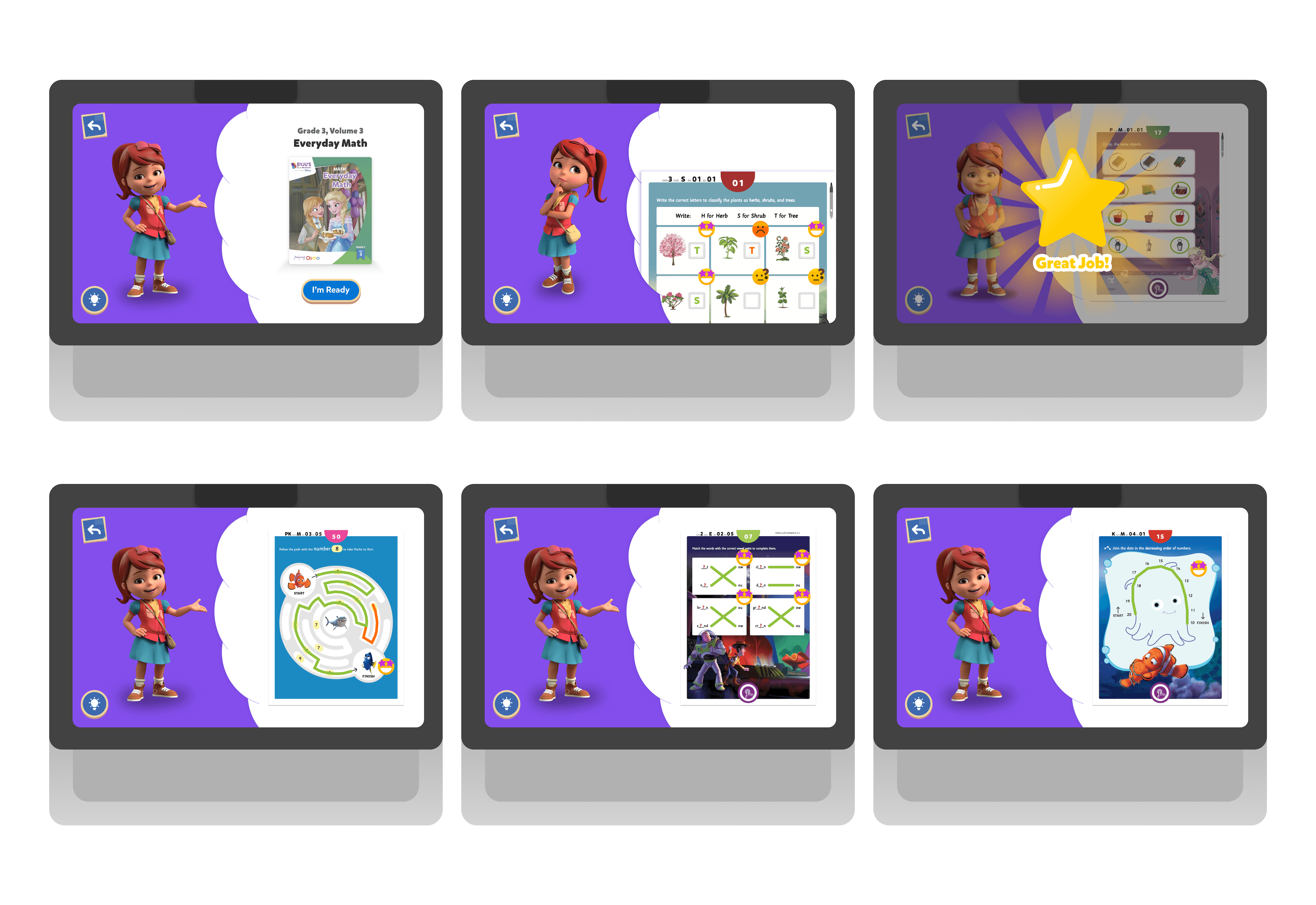
My role was to completely reimagine the app’s user experience. I led the effort to position the on-screen character, Jane, as the central interface of the product, turning her into both a learning companion and a UX anchor. Through thoughtful interaction design, Jane wasn’t just animated support, she guided, encouraged, and responded to the child, creating a playful and emotionally engaging layer that made learning feel less like work and more like a game.
Therefore, the UX is built to support:
Motor skill development
Early readers
Home schoolers
Healthy screen time
Designing the core user experience
The most interesting part of designing for experience was working with AI.
Osmo's experiences work a peculiar way making the dominant UX completely hands-free!
I designed the core experience to behave like a game, disguising the learning behind fun easter eggs, enjoyable voice-overs, fun activities while working with a team of writers, graphic designers, sound designers, AI engineers and learning designers.
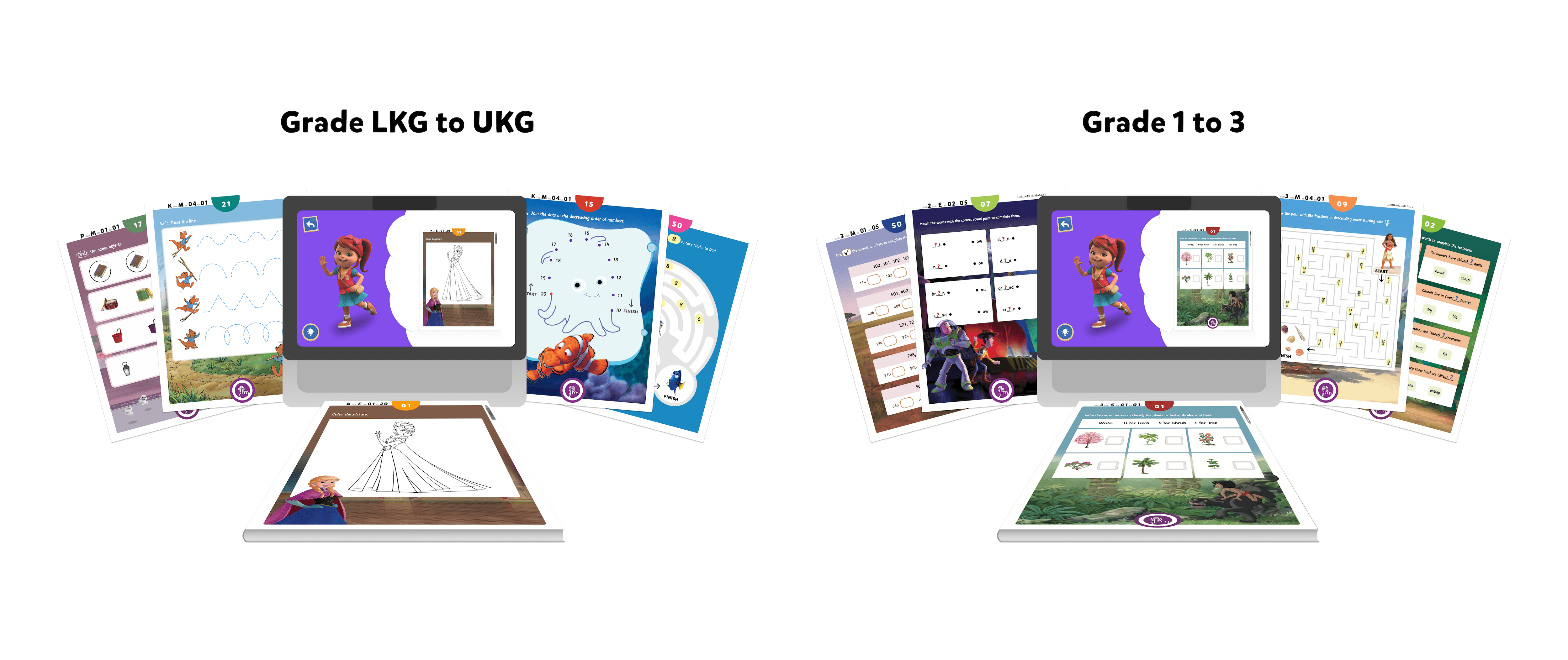
Since the learning capabilities of children in the early learn category is vastly different, the core experience was designed to be different for:
Children aged 3-6 (kindergarten and upper-kindergarten)
Children aged 6-8 (Grade 1-3)
Additionally, the UX was crafted to:
Complement the complexity level of each activity type for each age group.
Complement the nature of each activity, some being 'test' and 'non-test' worksheets.
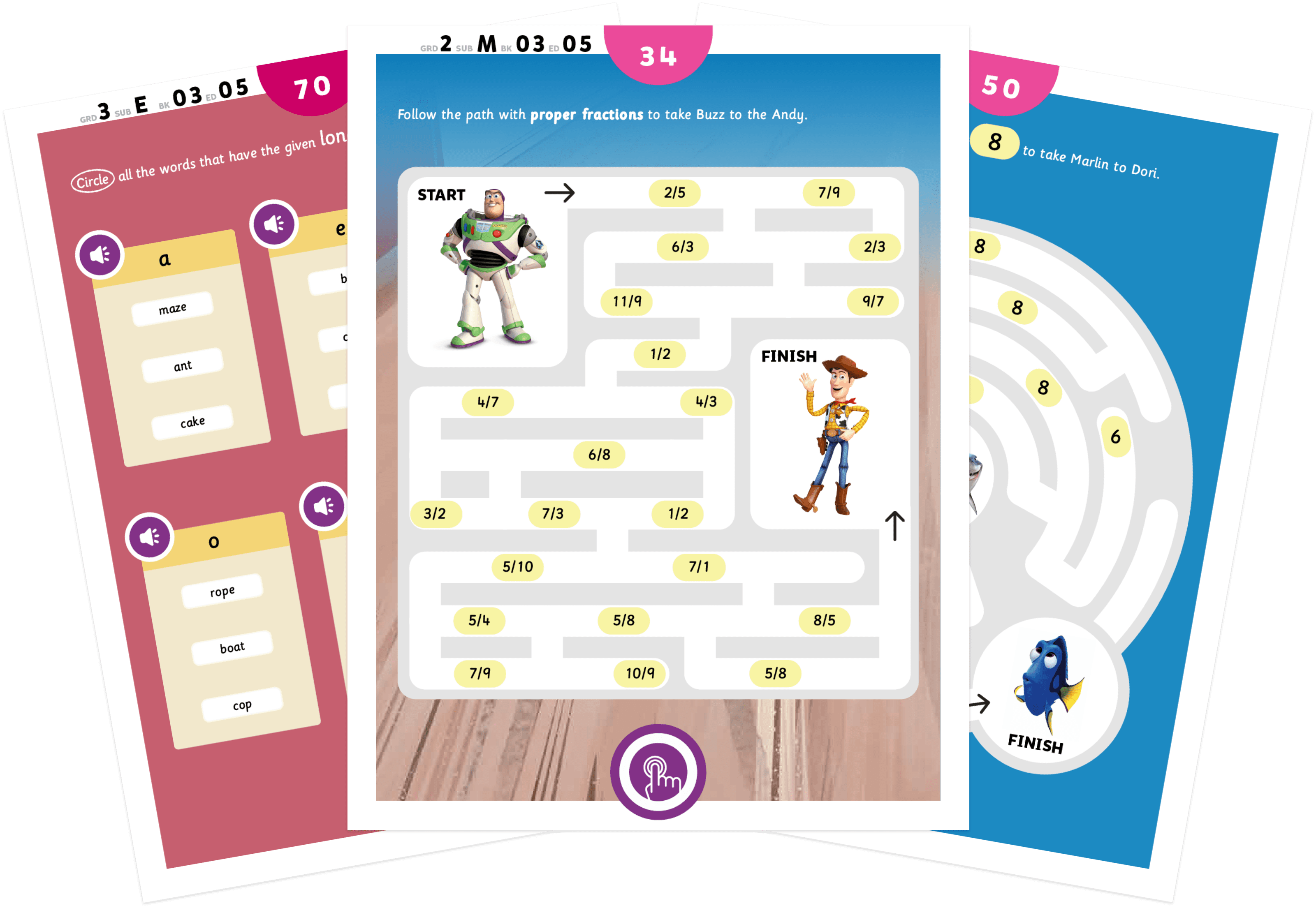
Testing worksheets: Circle/check the answer, match the following, Maze, write the answer.
Non-test or fun worksheets: Colouring, trace the answer, Join the dots.
Enable kids to ask for help when needed though an extensive hint system.
Designing across device requirements
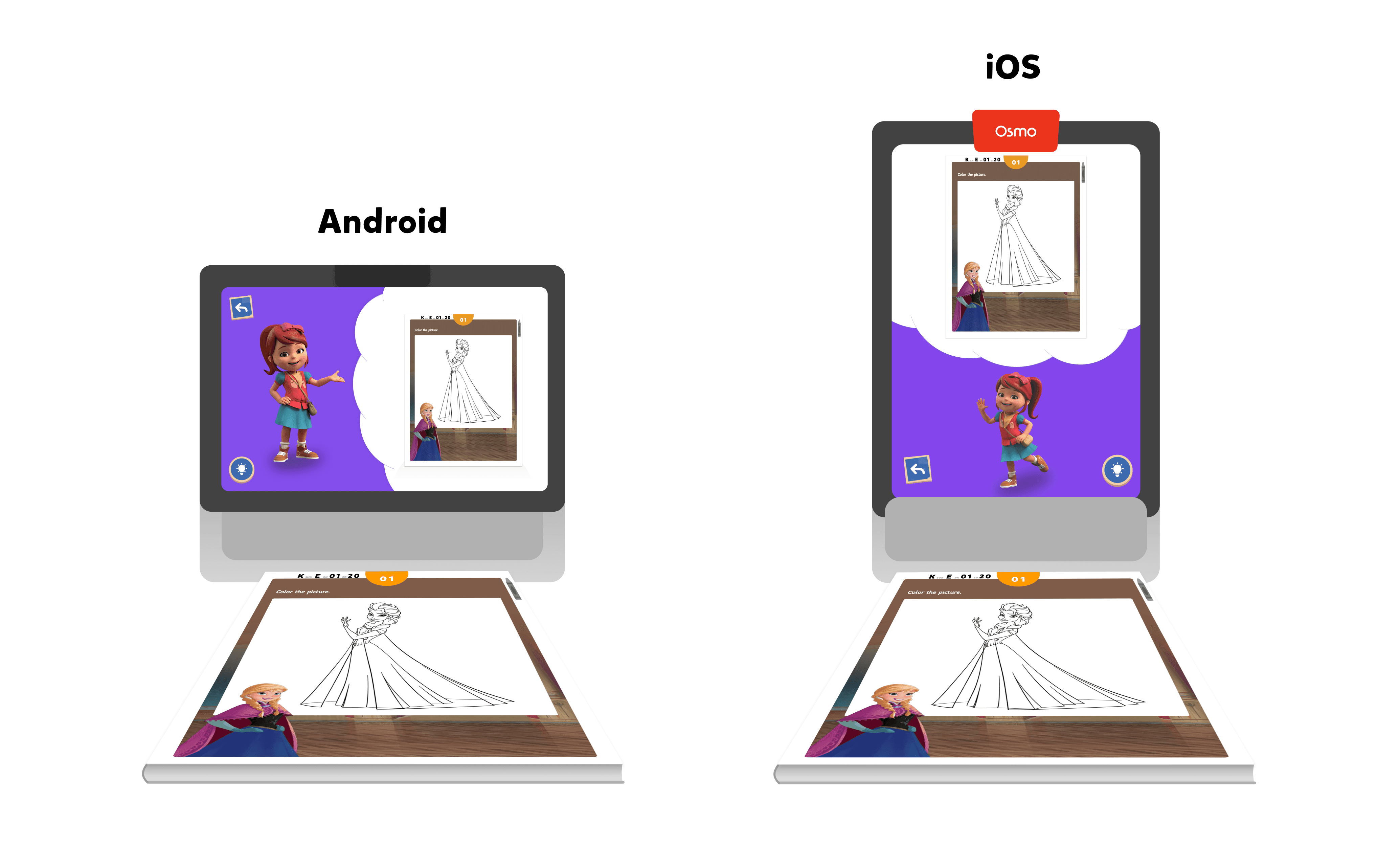
Each devices came with it's own set of hardware specs, which meant how AI computed each activity varied per device and OS, therefore the UX was designed to accommodate it's shortcomings and it's strengths.
Designing beyond screens
My role in the project extended beyond traditional UX design. In addition to creating the interface, I was also responsible for designing the physical worksheets. These worksheets needed to be designed in specific ways to support the underlying AI technology, which relied on the user experience heavily to function properly.
Here's how the product works
✨ Magic Workbooks is currently successfully shipping across India and the United States ✨
Read what parents (along with their kids) are saying about the product here.